 SnagBane
Guides
Short videos and step-by-step instructions. For every setting, see the documentation.
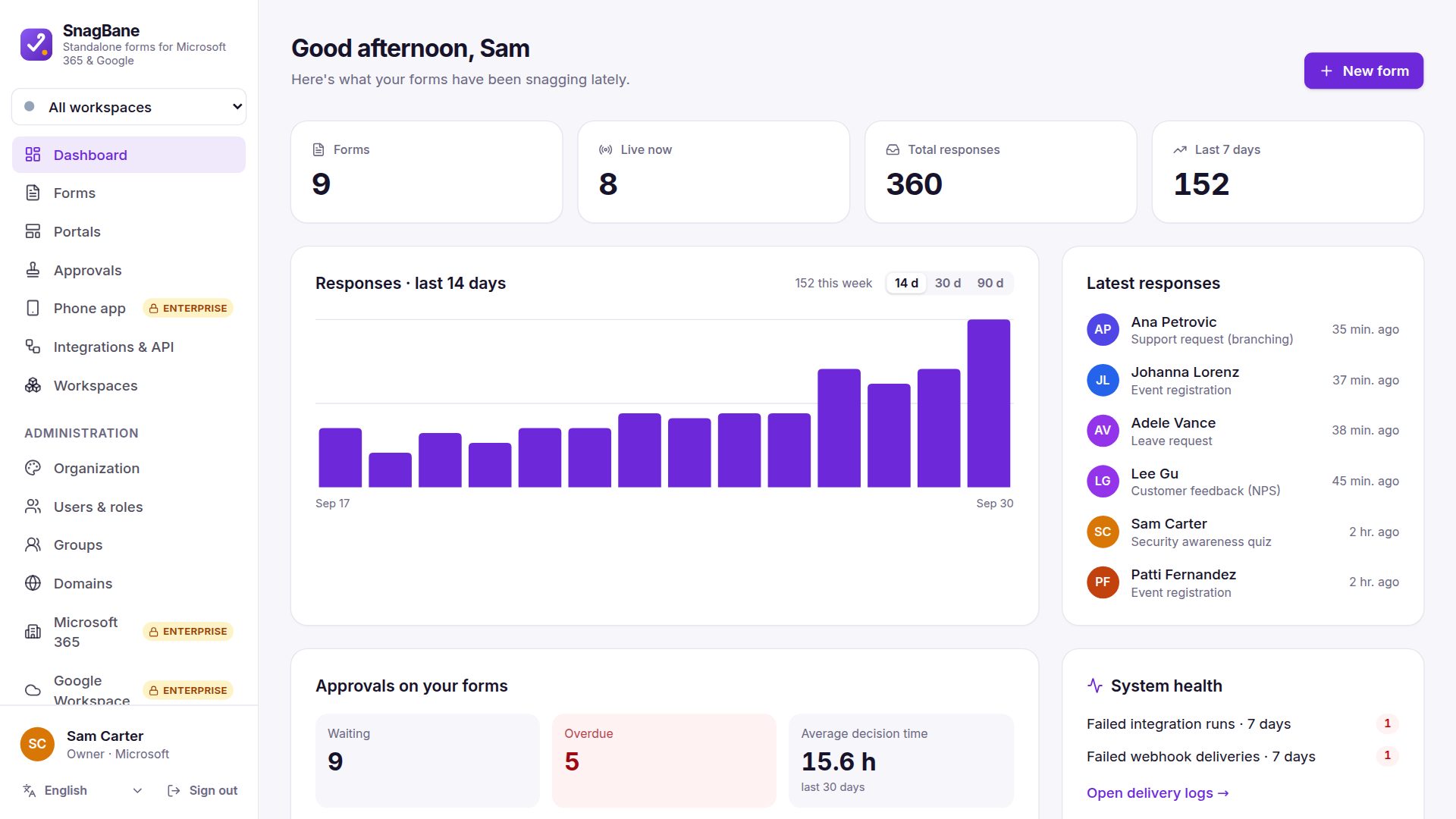
Install SnagBane
SnagBane runs on your own server: Docker (recommended), a VPS, or cPanel shared hosting. The download already contains everything — no Composer or Node.js needed.
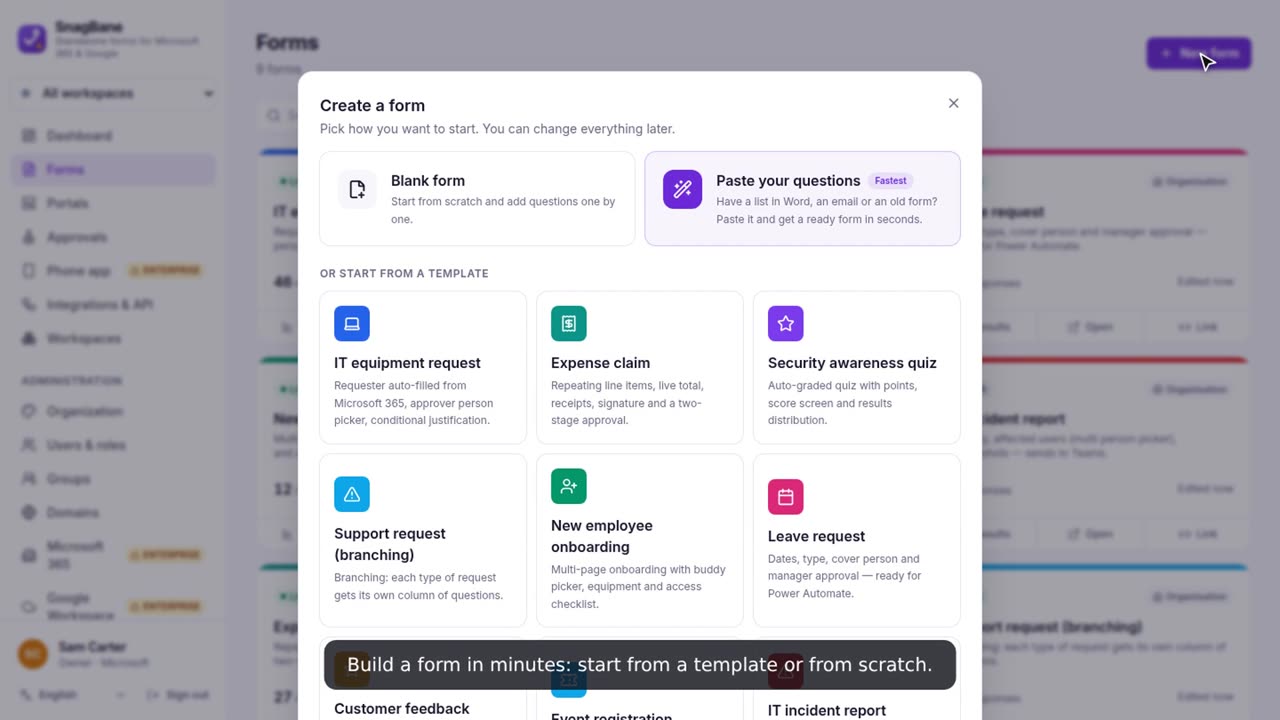
Create a form and branch with columns
Start from a template (or paste your questions), then give each answer its own questions — side by side, so you always see the whole flow.
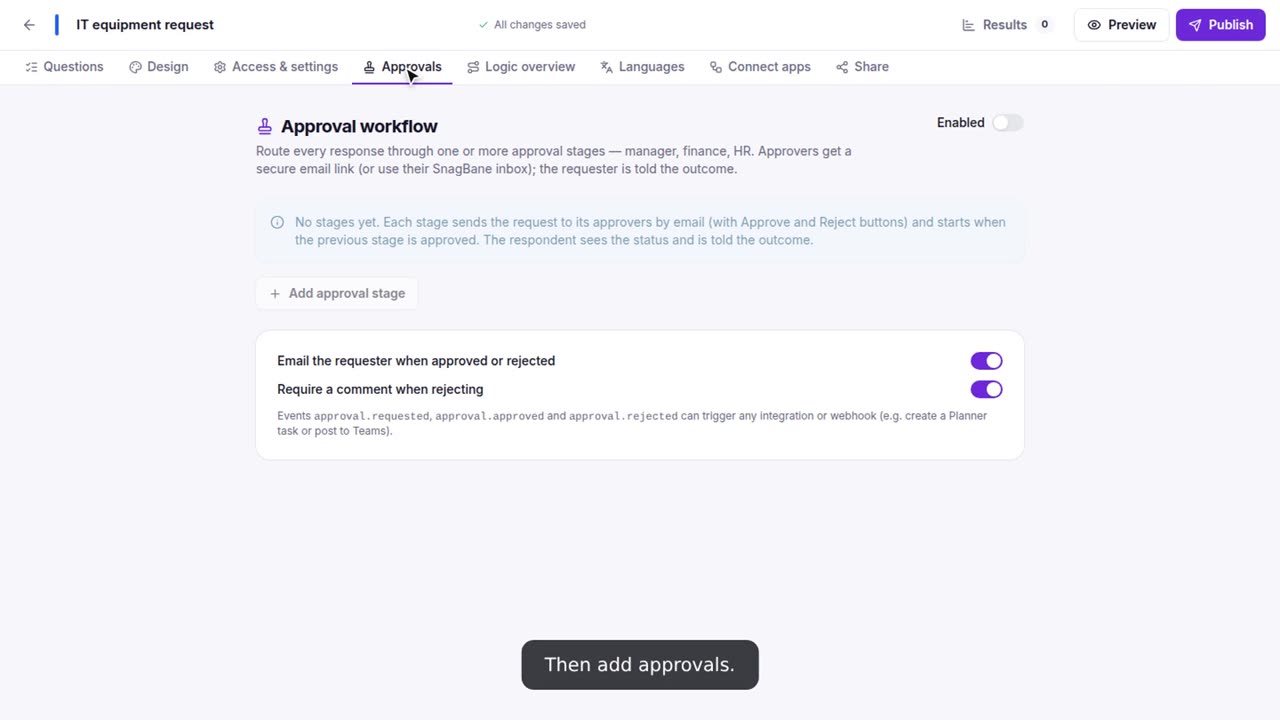
Add approval steps
Route every response through one or more approval stages — the requester’s manager first, then a team, only when it matters.
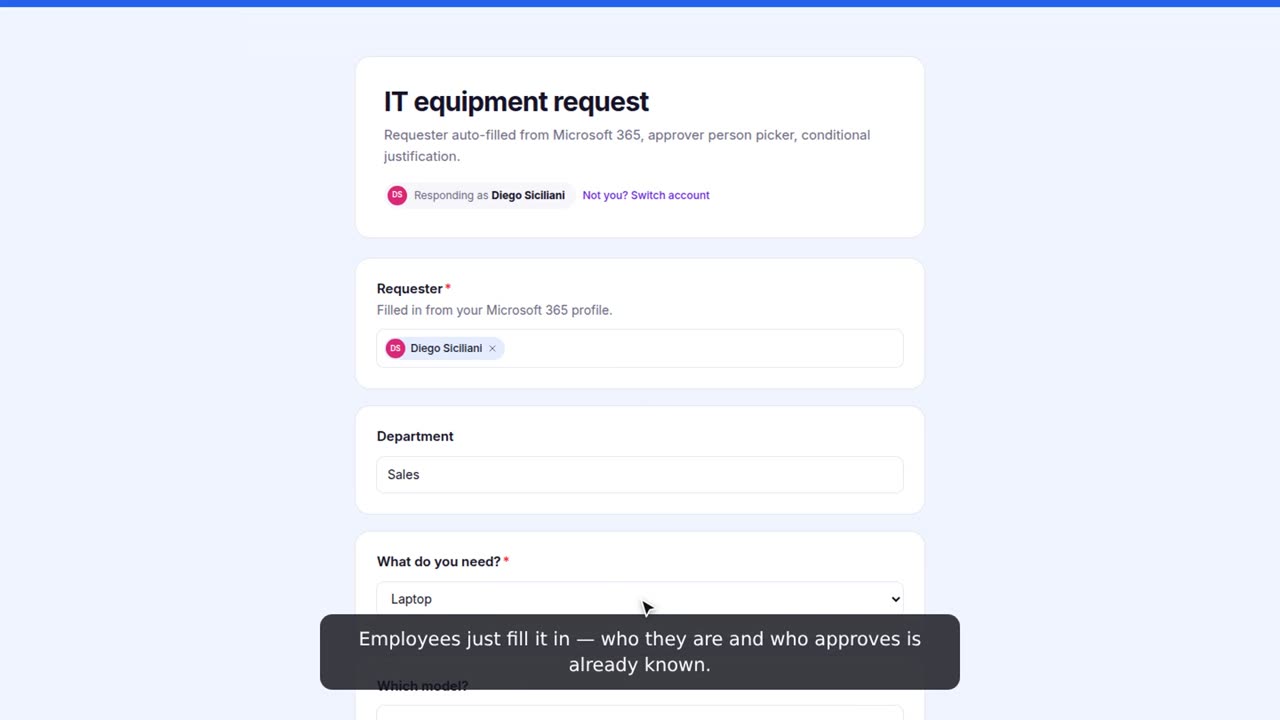
Send a request as an employee
Employees open the form from a link, a QR code or your portal. When they are signed in, their name, department and manager are filled in for them.
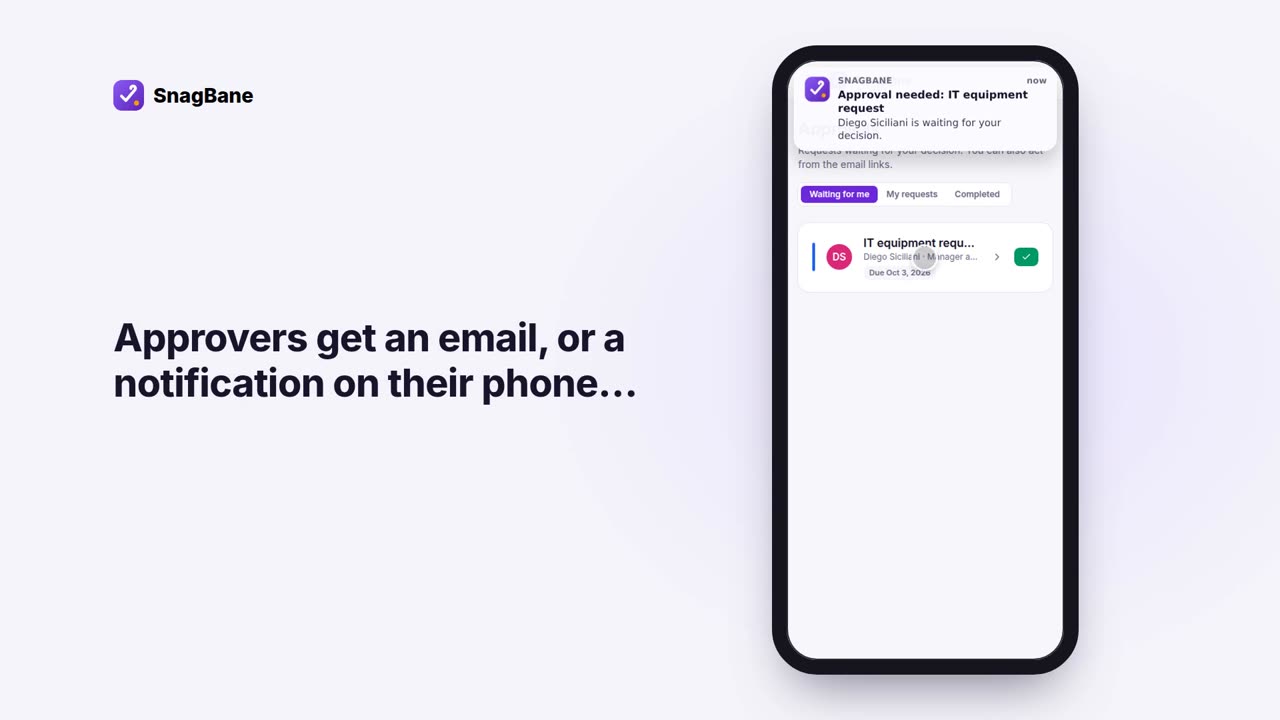
Approve a request (email or phone)
Approvers decide from the email link, from their SnagBane inbox, or — with Enterprise — from a notification on their phone.
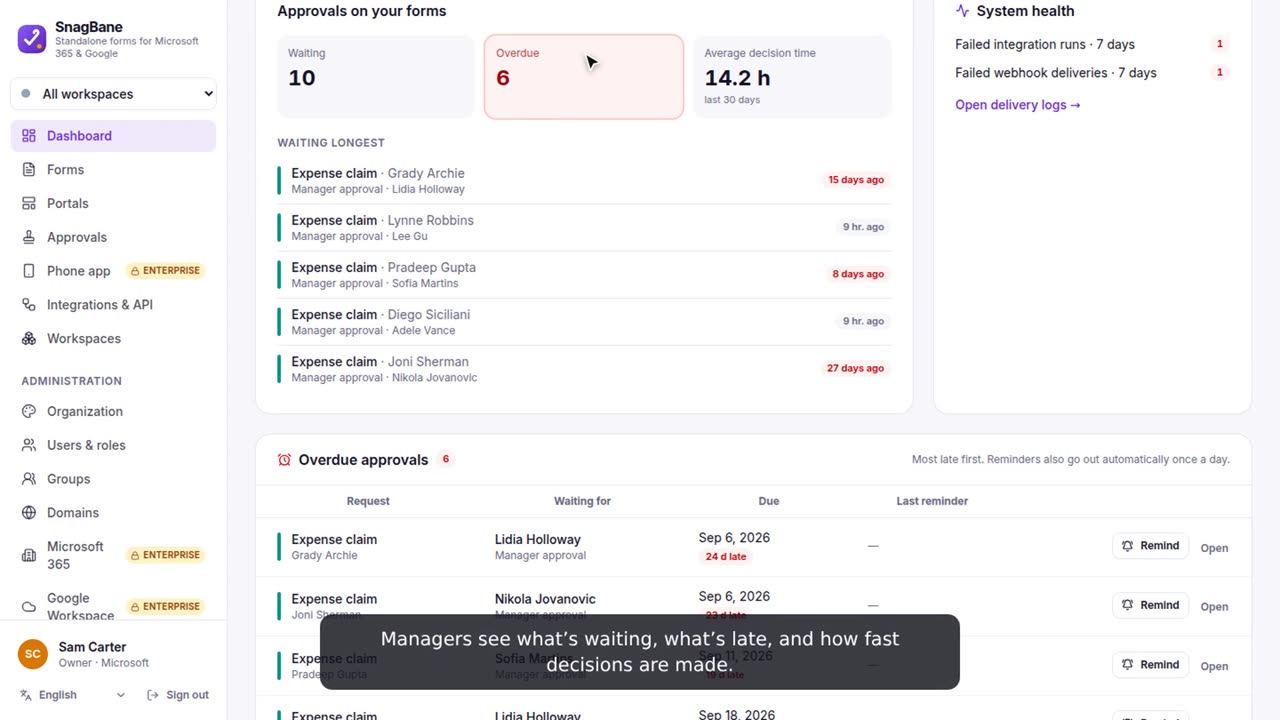
Track overdue approvals and remind
See what is waiting, what is late and how fast decisions are made — and nudge the right person with one click.
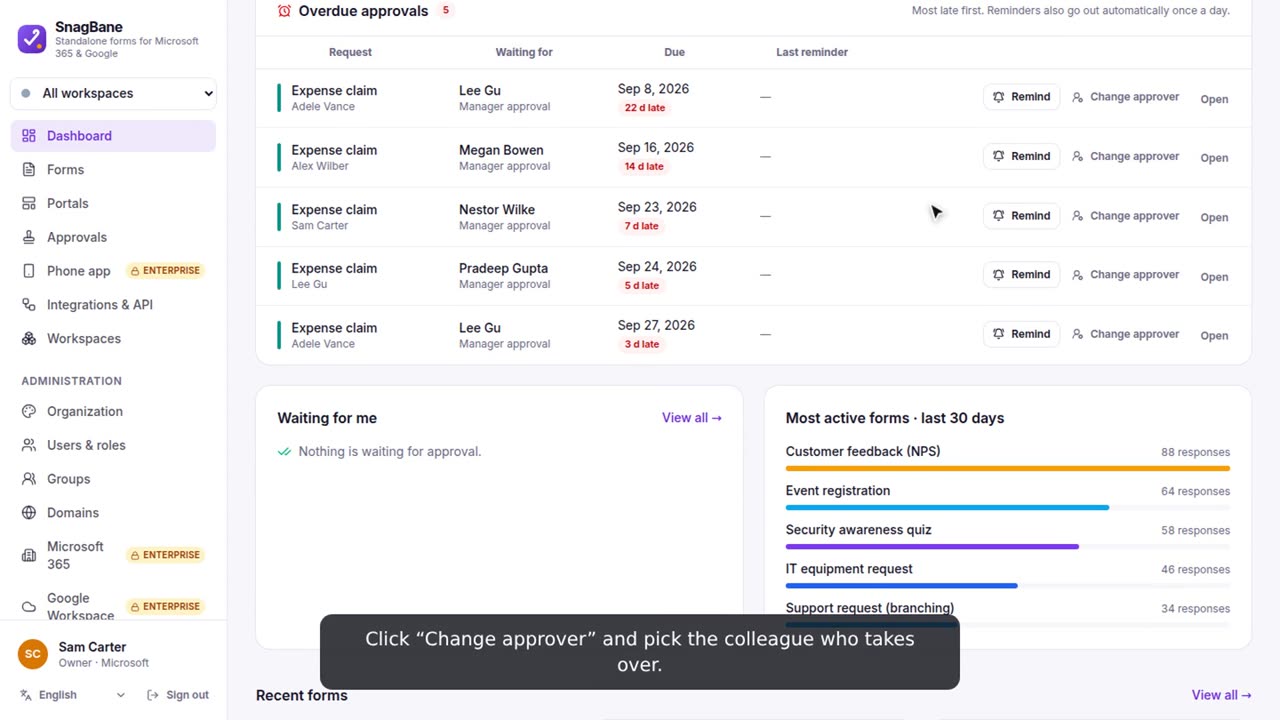
Change the approver
Someone is on holiday or doesn’t answer? Administrators and workspace owners hand the waiting approval to someone else.
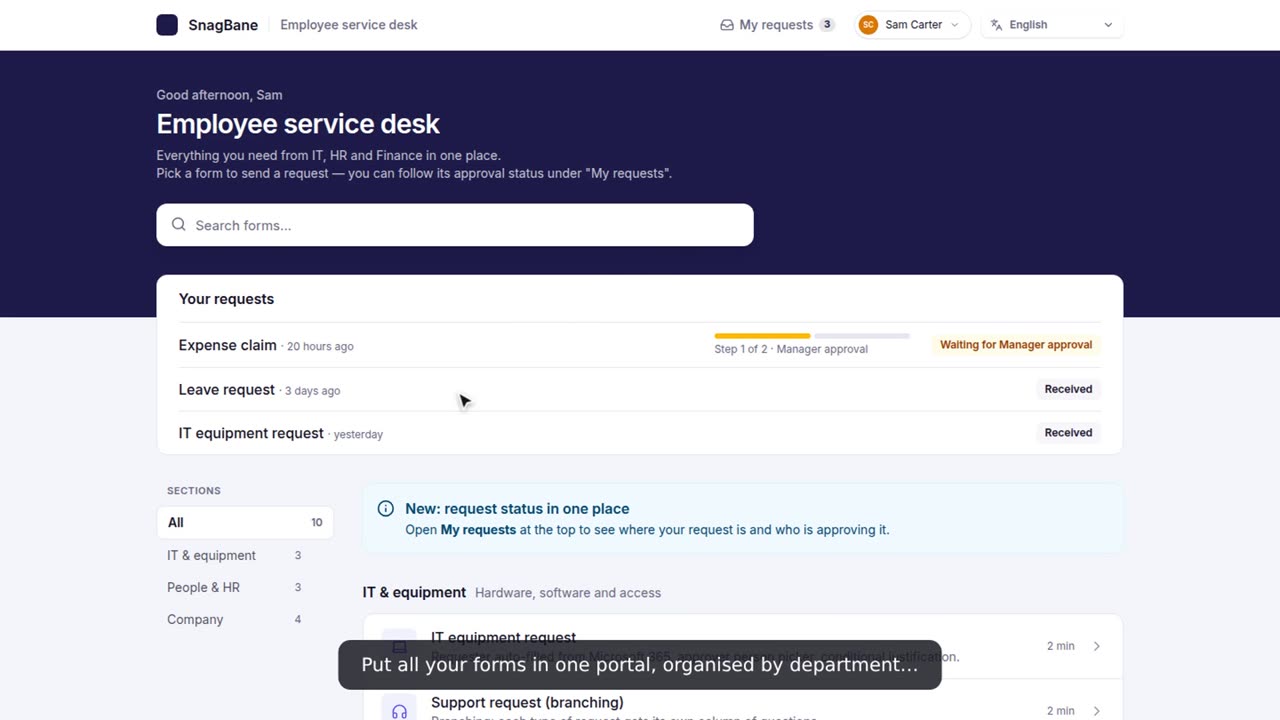
Put your forms in a portal
One page for all your forms, organised in sections — with a search box and “My requests” so people can follow their approvals.
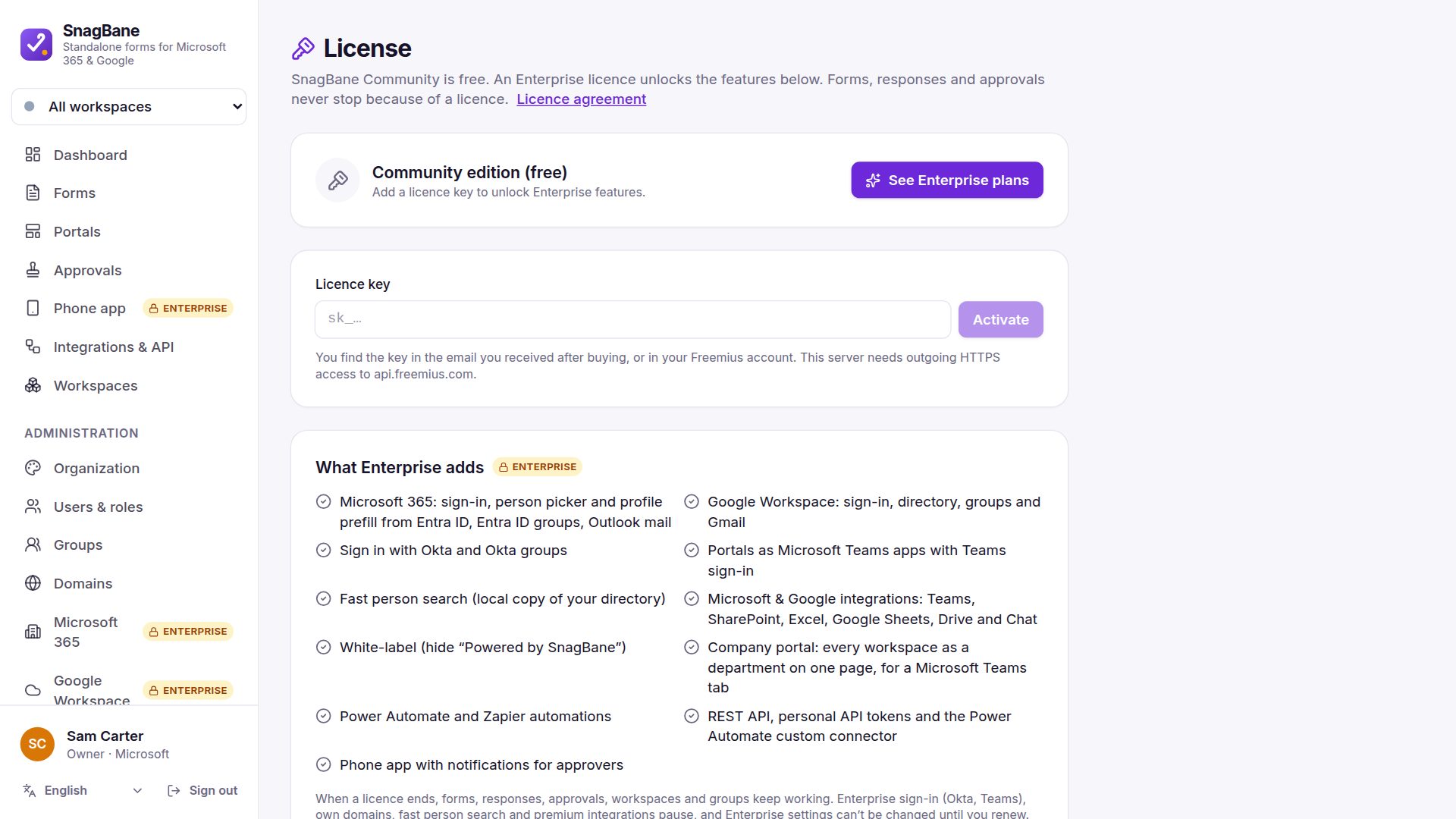
Activate Enterprise
Buying Enterprise gives you a licence key. Activating it on your installation unlocks Microsoft 365, Google Workspace, Okta, the phone app and the rest.